AI Dance Generator
Turn one photo into a 6-second dance video. $4.90 per video, one-time, no subscription.


Add your photo
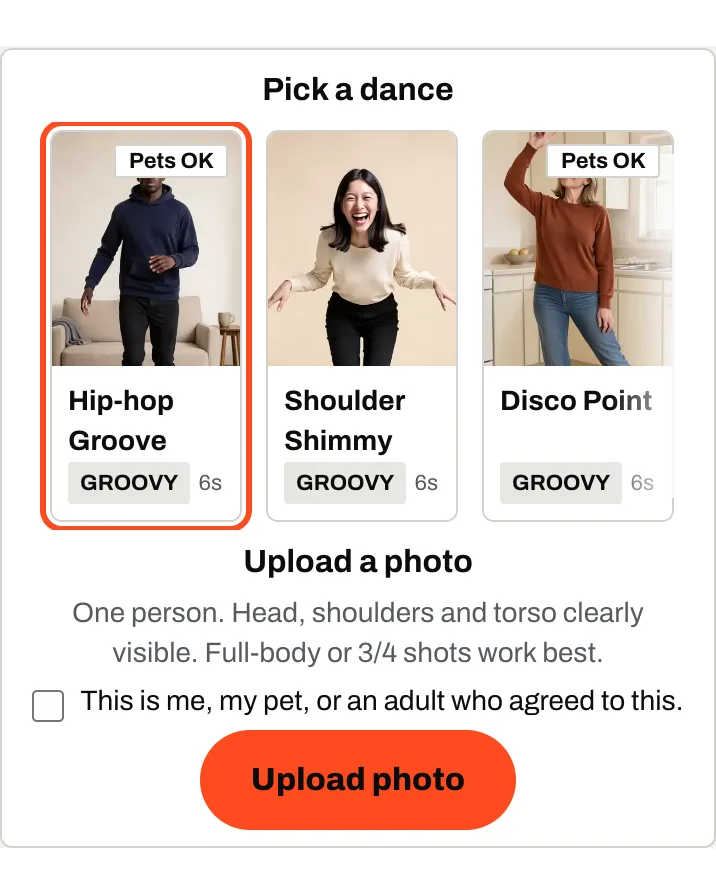
Pick a dance
What you get
- Price
- $4.90per video, one-time
- Video
- 6s · 9:16 · 720p
- Delivery
- ~5 minutes
By uploading you confirm you have the right to use this photo and agree to our Terms and Privacy Policy.
- 6s 9:16 720p
- ~5 minutes
- Failed videos returned
- No subscription
Last updated October 30, 2026
Pick what you want to make
Pick a dance, then upload one photo. Dances marked Pets OK also work with a pet.
Pets
Classics


New on Dance AI Generator
All guides →How to make a dance video from a photo
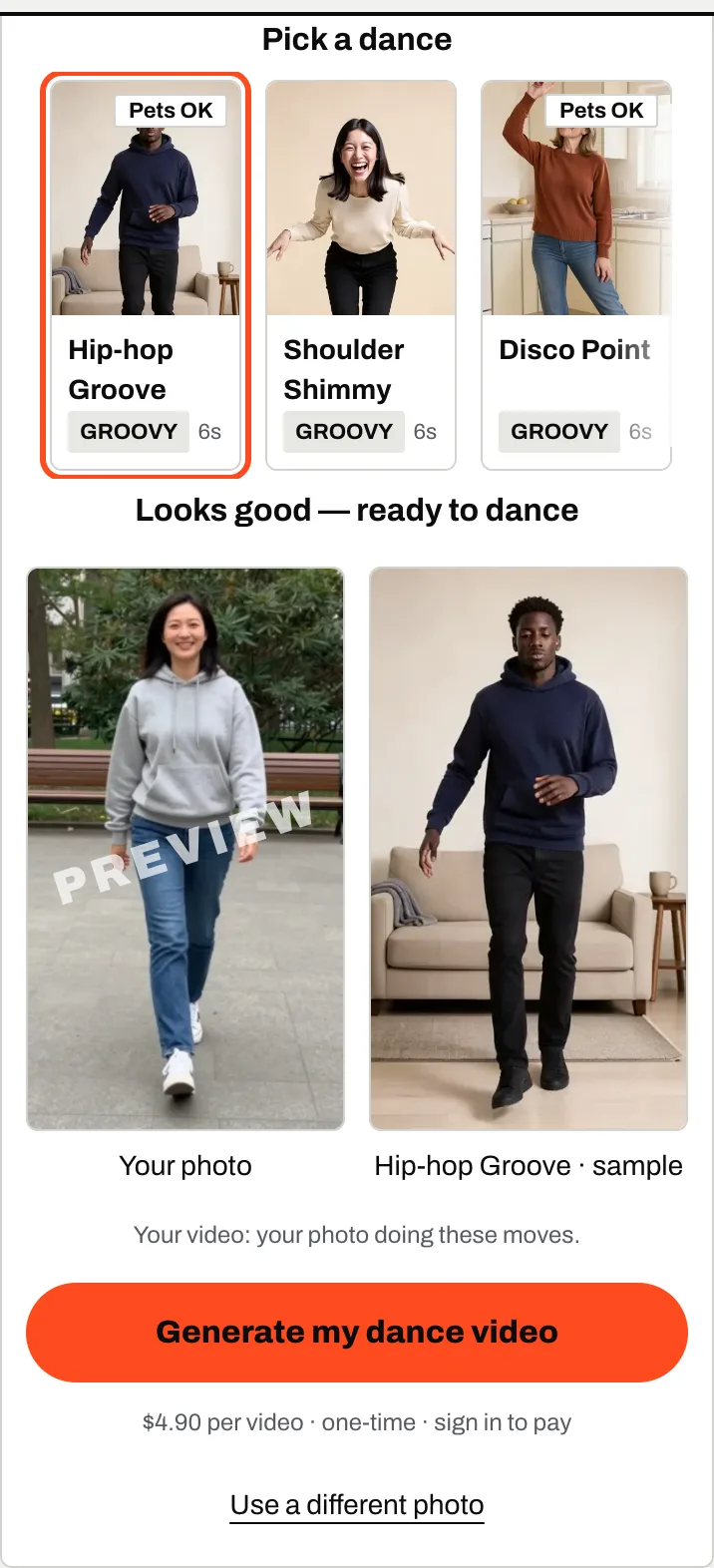
Uploading a photo and seeing it next to the dance is free. The finished video is the paid part.
 STEP 1
Pick a dance
Preview the dances. Pets work on some of them.
 STEP 2
Upload one photo
One person or one pet, head to torso visible. Free, no account yet.
 STEP 3
Sign in
One free 480p preview per account, then $4.90 for 720p.
Pricing
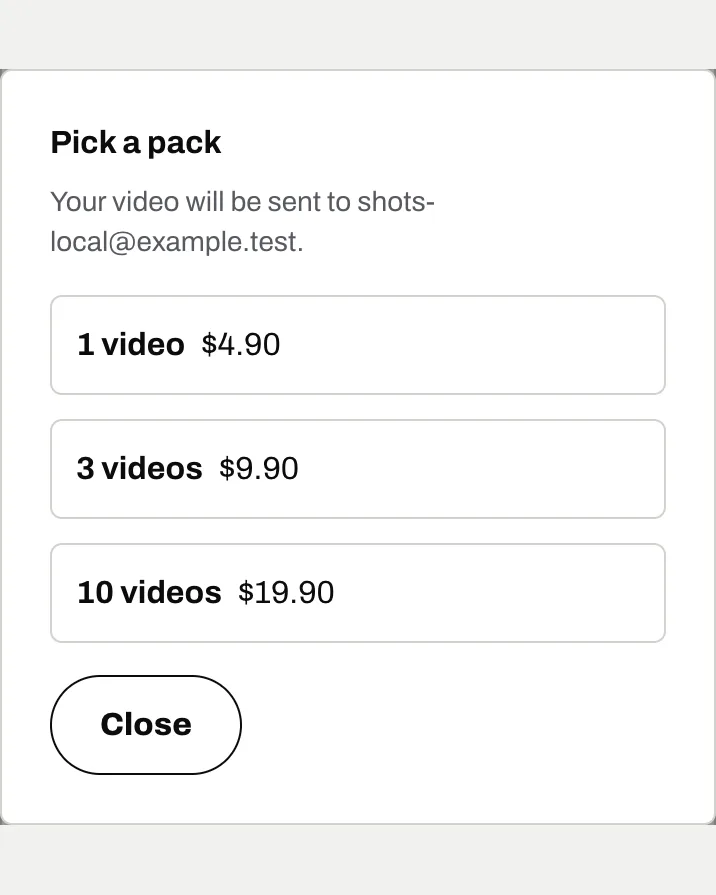
One-time payment. No subscription. Packs never expire.
- $4.90
1 video
One dance, one photo.
Pick this pack after your preview — you pay only when you generate
- $9.90
3 videos
Most popular$3.30 each.
Pick this pack after your preview — you pay only when you generate
- $19.90
10 videos
Best value$1.99 each. Packs never expire.
Pick this pack after your preview — you pay only when you generate
Questions people ask
Is the AI dance generator free?
Upload, photo check, and the still of your photo next to the dance are free with no account. Signed-in accounts (Google or a verified email) get one 480p preview with an in-page overlay watermark, watched in the page — there is no download button. The finished 6 seconds 720p MP4 you can save and post costs $4.90 per video, or less per video in a 3 or 10 pack. It is a one-time payment, not a subscription, and packs never expire.
How do I do the AI dance trend?
Most AI dance trend clips on TikTok and Reels start the same way: one still photo turned into a short dance, posted with the sound that is trending that week. Here you pick one of the dances, upload one photo, and your photo becomes the AI dancer in a 6 seconds, 9:16 clip — the vertical shape TikTok, Reels and Shorts use. The clip comes with AI-generated sound; swap in the trending sound in the app when you post. Meme and seasonal dances, such as Money Flex and the elf dance, have their own pages under Dances.
How long does it take to get a video?
About five minutes after you pay. The clip itself is always 6 seconds — a 720p, 9:16 MP4 with AI-generated sound. You do not need to keep the page open: we email you when the file is ready, and it also appears in your videos on this site. If a job fails on our side, that video is returned to your account automatically, so a slow or failed run never burns your balance. The six-second length is fixed — there is no longer cut — but it is the right size for a story, a reply, or a TikTok loop.
Does the video have a watermark?
The paid 720p file has no watermark. The free still of your photo next to the dance carries a PREVIEW mark. The one-per-account 480p preview uses an in-page overlay (danceaigenerator.com); there is no download button or attachment, and the stored file is not burned-in. Once you pay, the MP4 you receive is clean: no logo, no frame badge, no corner text.
Can I make my cat or dog dance?
Yes — one cat or one dog per photo, on the dances marked with a paw. Upload a full-body shot of a single pet with no person in the frame; a person holding a pet is rejected, and so is a second animal. The same price and file format apply as for people videos: a 6 seconds, 9:16 MP4 delivered in about five minutes. Dedicated AI dog dance and AI cat dance pages show pet samples and photo tips. Cats and dogs keep their breed, fur color and markings in the clip.
How does this compare to Viggle?
Different jobs. Viggle puts a character into a motion video — useful when you have a specific dance clip you want copied — and it gives a few free watermarked videos per day behind a monthly Pro plan for more. We do one thing: one still photo becomes a fixed 6 seconds dance, $4.90 once, no subscription, no watermark on the file. Pick Viggle if you want custom motion or free daily tries and do not mind a watermark on free output. Pick this site if you want the simplest path from one photo to a clean clip you pay for once — the comparison of AI dance generators has the full table.
Can I make a video of someone else?
Only of an adult who has agreed to it — that is the whole rule. When you upload, you confirm the photo shows you, your pet, or an adult who consented, and the automated check screens every upload before anything is generated. Photos of children are never accepted, even cropped from a family shot, and photos of celebrities or public figures are blocked. If a still of an adult is rejected by mistake, the fix is a clearer, front-facing photo — not a different person. A clip of a friend or partner is fine when they said yes; making one of someone who did not is not.